
A Beginner’s Guide to Using Developer Marketplaces
07/03/2026
Exploring the Benefits of No-Code Automation Tools
07/03/2026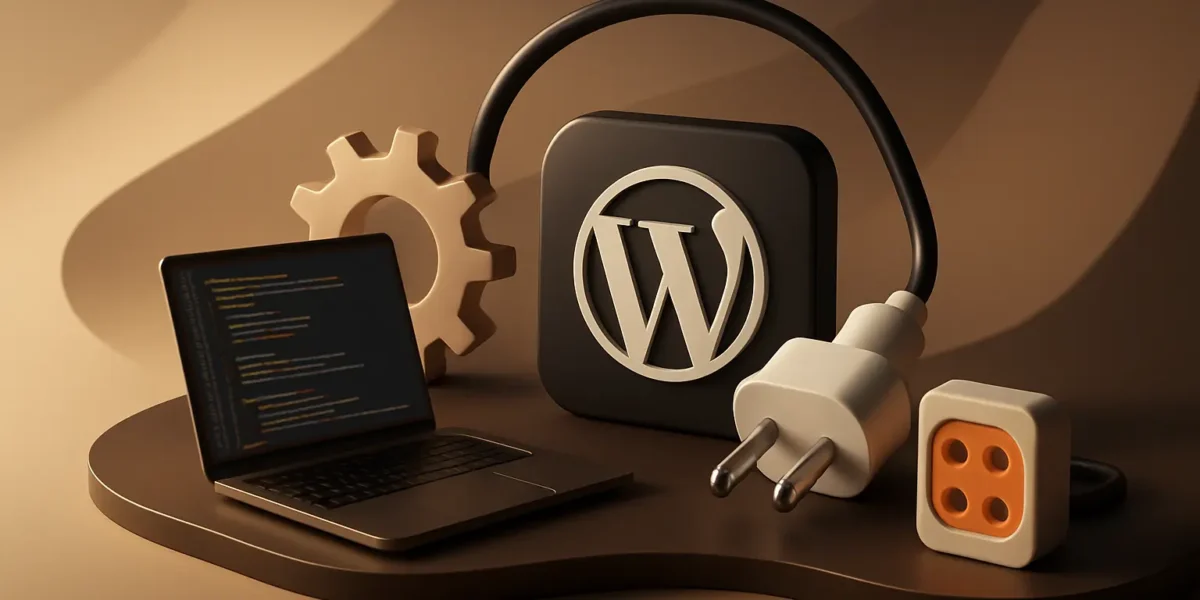
How to Create Custom WordPress Plugins
Introduction
Creating custom WordPress plugins can significantly enhance the functionality of your website. Whether you want to add a new feature, improve user experience, or integrate external services, building your own plugin provides you with the flexibility to tailor your site to your specific needs. This guide will take you through the process of creating custom WordPress plugins, offering tips, best practices, and common pitfalls to avoid.
Understanding WordPress Plugins
Plugins are pieces of software that extend the functionality of your WordPress site. They allow you to add features without altering the core WordPress code. This modular approach helps maintain the integrity of your site and makes it easier to manage updates.
Why Create Custom Plugins?
- Tailored Solutions: Custom plugins can address specific needs that existing plugins don’t cover.
- Optimized Performance: By creating a plugin for your unique requirements, you can optimize it for better performance.
- Maintain Control: You have complete control over the code and functionality.
- Learning Opportunity: Building a plugin enhances your PHP and WordPress development skills.
Getting Started with Plugin Development
Before diving into coding, it’s essential to set up a proper development environment. This ensures that you can experiment and test your plugins safely.
Setting Up Your Environment
- Local Server: Use tools like XAMPP, MAMP, or Local by Flywheel for a local development environment.
- Text Editor: Choose a code editor such as Visual Studio Code, Sublime Text, or Atom.
- Version Control: Implement Git for version management of your plugin code.
Creating Your First Plugin
Now that your environment is ready, let’s build a simple WordPress plugin.
Step-by-Step Guide
<?php
/*
Plugin Name: My First Plugin
Description: A simple plugin to demonstrate WordPress plugin development.
Version: 1.0
Author: Your Name
*/
?>
function my_first_shortcode() {
return “Hello, World!”;
}
add_shortcode(‘hello_world’, ‘my_first_shortcode’);
Best Practices for Plugin Development
To ensure your plugin is efficient and secure, follow these best practices:
- Follow WordPress Coding Standards: Adhering to these standards improves readability and maintainability.
- Use Nonce for Security: Use nonce fields to validate requests and protect against CSRF attacks.
- Sanitize User Inputs: Always sanitize and validate user inputs to prevent security vulnerabilities.
- Load Scripts and Styles Properly: Use wp_enqueue_script() and wp_enqueue_style() to load your scripts and styles.
Common Mistakes to Avoid
- Not Testing Thoroughly: Always test your plugin for various scenarios before deployment.
- Neglecting Updates: Regularly update your plugin to fix bugs and add features.
- Ignoring User Feedback: Listen to users and improve your plugin based on their suggestions.
Conclusion
Creating custom WordPress plugins is a rewarding endeavor that allows you to enhance your website’s functionality. By understanding the basics of plugin development, adhering to best practices, and avoiding common mistakes, you can build effective and secure plugins. Embrace the process and continue to learn, and you will contribute significantly to the WordPress ecosystem.